How to Integrate Vinyl with Ruark R410 in India
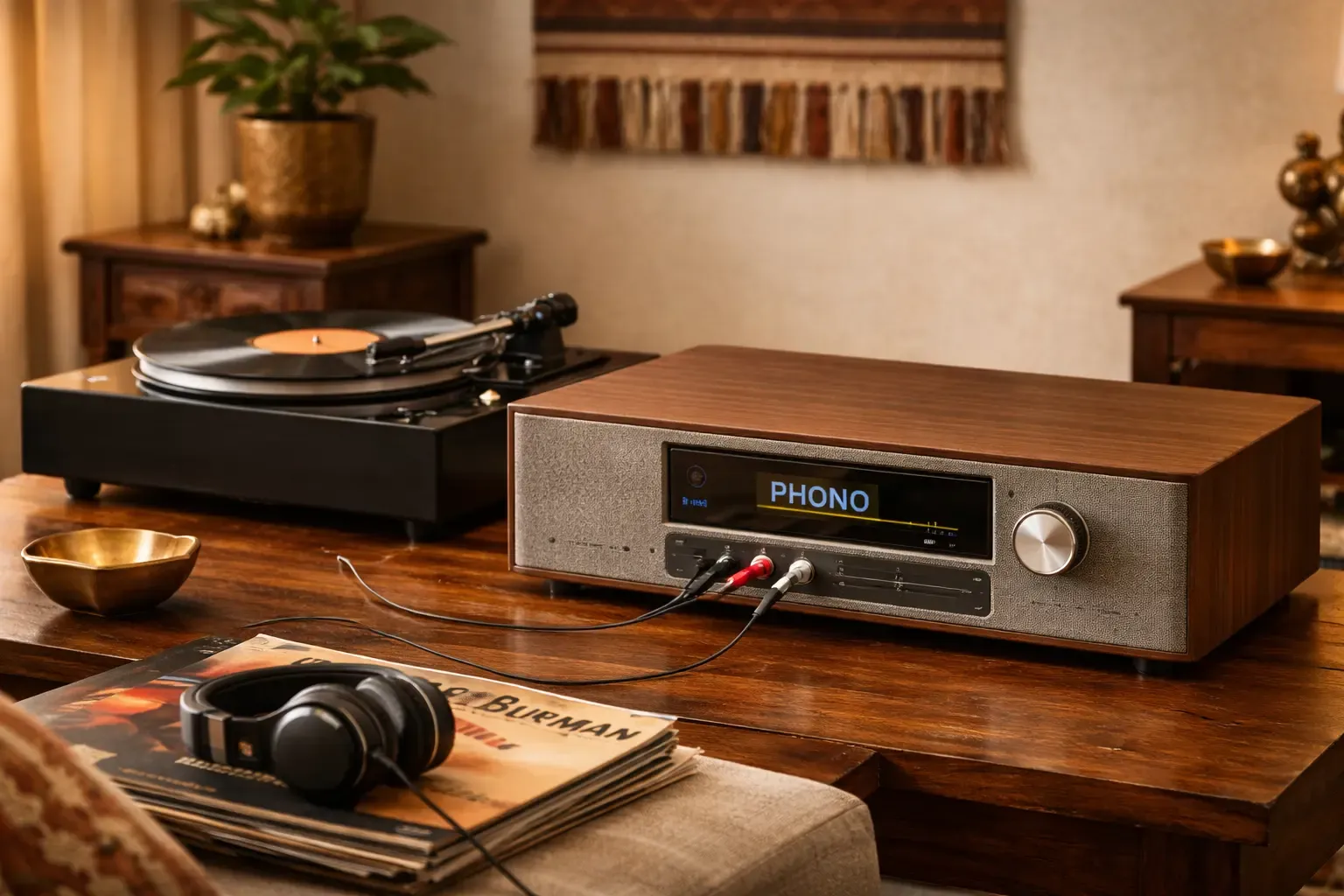
How to Integrate Vinyl with Ruark R410 in India
Vinyl records have made a strong comeback among music lovers. Their warm, rich sound offers an experience that digital formats often cannot replicate. If you own a Ruark R410 or plan to buy one, you can easily connect it with a turntable to enjoy the perfect blend of vintage and modern listening. This article explains how to complete a Ruark R410 vinyl setup in India with step-by-step guidance.
Understanding the Ruark R410’s Capabilities
The Ruark R410 is a premium all-in-one audio system that supports Wi-Fi, Bluetooth, HDMI ARC, and USB playback. Along with its digital capabilities, it also allows analogue connections for devices like vinyl players. This makes it ideal for listeners who enjoy both convenience and craftsmanship.
Before setting up, check for Ruark R410 turntable compatibility. Turntables produce a low-level phono signal, while the R410 accepts a higher line-level input. If your turntable does not include a built-in preamp, you will need an external one to boost the signal before connecting it to the R410.
Step 1: Confirm Compatibility
Before connecting, identify which type of turntable you have. With built-in preamp: You can connect your turntable directly to the R410. Look for a switch labelled “Phono/Line” or an output labelled “Line Out.”
Without a preamp: You will need an external phono preamp to convert the phono signal to line level. Connect your turntable to the preamp first, and then to the R410. This step ensures a smooth start to your Ruark R410 vinyl integration guide.
Step 2: Gather What You Need
To set up a vinyl player with a Ruark R410 in India, you will need:
- A compatible turntable.
- RCA audio cables.
- A phono preamp if your turntable does not include one.
- Power cables for both the R410 and the turntable.
For better performance, consider using isolation pads or a stable surface to minimise vibration during playback.
Step 3: Connect the Turntable to the R410
Follow these steps to learn how to connect the vinyl to the Ruark R410 correctly:
- Locate the “Line In” or “AUX” input on the back of the R410.
- Use RCA cables to connect your turntable or preamp to this input.
- Power on both devices.
- Select the correct input source on your R410 using the control knob or app.
Once the connection is complete, your Ruark R410 vinyl setup is ready for use. Place a record on the turntable and experience Ruark’s detailed and balanced sound.
Step 4: Optimise Placement
Proper placement is essential for the best performance.
- Keep the turntable on a flat, vibration-free surface.
- Position the R410 away from the turntable to avoid feedback.
- Allow open space around the R410 for proper sound dispersion.
- Avoid placing the turntable near speakers or subwoofers.
These steps enhance the quality of your Ruark R410 with record player setup and help maintain consistent playback.
Step 5: Adjust Audio Settings
The R410 allows subtle tone adjustments to fine-tune your listening experience.
- Use the built-in controls to balance bass and treble.
- For older records, a small treble boost may restore brightness.
- For modern pressings, lowering the bass slightly can create a smoother sound.
Refer to the official Ruark R410 vinyl integration guide for instructions on adjusting tone settings directly through the system.
Step 6: Maintain Your Vinyl and Equipment
- Regular maintenance is key to long-lasting performance.
- Clean records frequently to remove dust and static.
- Replace the stylus when needed for consistent sound quality.
- Keep cables neatly arranged to avoid interference.
- Store records vertically in a cool, dry place.
Proper care ensures that your integrated turntable with Ruark R410 setup continues to deliver premium sound for years.
Step 7: Combine Vinyl and Digital Playback
One of the Ruark R410’s strengths is its flexibility. You can easily switch between analogue and digital playback. Enjoy your vinyl collection in the morning and stream music through Spotify or TIDAL in the evening without needing extra devices. This versatility makes the Ruark R410 vinyl setup an excellent option for Indian homes that value both tradition and technology.
Step 8: Optimise for Indian Homes
Many Indian homes feature tiled or marble floors, which can reflect sound. To improve acoustics, use rugs, curtains, or wall-mounted panels to reduce echo. When you set up a vinyl player with the Ruark R410 in India, small adjustments like these can make a significant difference in sound warmth and detail.
If you live in an apartment, avoid placing your turntable on a surface that vibrates when people walk nearby. Even small vibrations can affect playback accuracy.
Connecting a turntable to the Ruark R410 lets you experience the best of both worlds: the tactile beauty of vinyl and the precision of modern engineering. The Ruark R410 with record player setup is perfect for music enthusiasts who prefer the highest audio quality.
Whether you are rediscovering a vintage record collection or starting your first one, this setup brings music to life in a way that feels authentic, rich, and timeless. With careful setup and attention to detail, you can integrate your turntable with Ruark R410 and enjoy a sound experience that remains warm and immersive for years to come.