How to Build a Custom Audio System with Ruark Products
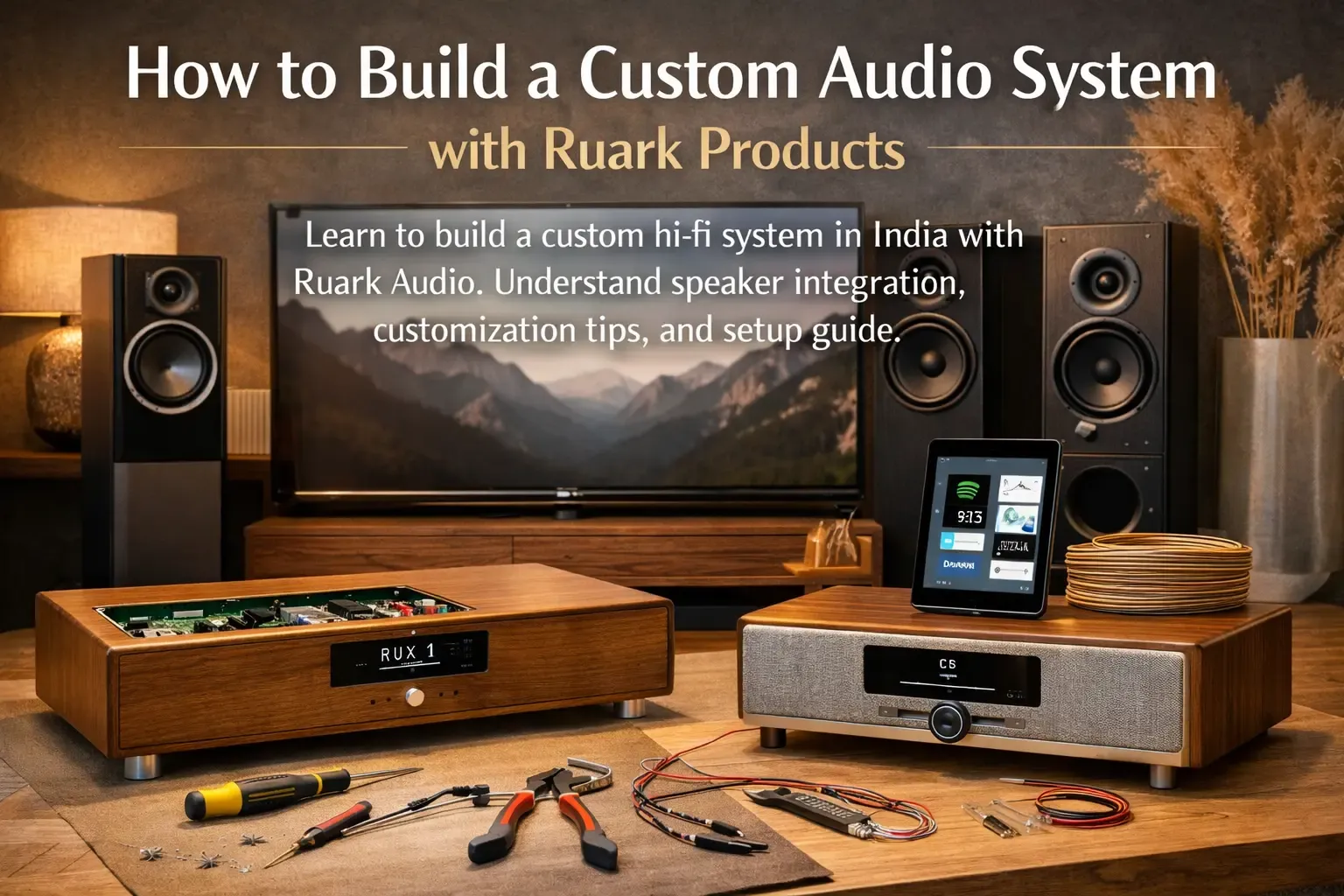
How to Build a Custom Audio System with Ruark Products
A well-designed audio system is not just about sound. It is about creating an environment where every note feels alive, and every detail adds to the atmosphere. If you are planning to build a custom Ruark audio system, this guide will help you through each stage. From choosing your components to optimising acoustics, it explains how to design a personalised setup that brings your home to life.
Why Choose Ruark for a Custom Setup
Ruark Audio represents craftsmanship and clarity. Every product is built with care, using high-quality materials that blend easily into modern homes. Beyond audio performance, Ruark focuses on design harmony, making it ideal for creating a setup that feels intentional and elegant. If you are using a custom hi-fi Ruark speaker, then you will find out that the brand’s flexibility allows you to start small and expand over time. Each model works beautifully on its own or as part of a larger, connected system.
Step 1: Define Your Audio Goals
Before you begin, decide what kind of experience you want.
- Do you listen mainly to music or want a system that also enhances your TV sound?
- What is the size and layout of your room?
- Which devices will you connect, such as a turntable, smartphone, or television?
- Do you prefer a minimal setup or a multi-component system?
Answering these questions will make it easier to follow the Ruark Audio setup guide and select equipment that suits your space.
Step 2: Choose the Core System
Ruark offers several models that can act as the centerpiece of your setup.
Ruark R410 Integrated Music System
Price: ₹1,79,999 The R410 is a complete high-fidelity system that supports AirPlay, Chromecast, HDMI ARC, and streaming platforms like Spotify and TIDAL. Its rich sound and beautiful wood finish make it ideal for anyone planning to assemble a Ruark audio system for both music and movies.
Ruark R3S Compact Music System
Price: ₹1,02,999 The R3S is a compact option that maintains Ruark’s signature depth and clarity. It includes Bluetooth, Wi-Fi, and optical inputs, allowing you to build your custom Ruark sound system in India with minimal effort. The R3S is perfect for smaller rooms or as part of a larger multi-room setup.
Ruark R2 Mk4 Smart Music System
Price: ₹62,999 The R2 Mk4 offers detailed sound in a smaller frame. It is ideal for bedrooms, studies, or secondary zones. You can start with this unit and later expand your system for greater scale and depth.
Step 3: Expand and Integrate
Once you have your main system, add complementary components.
- External speakers: Pair bookshelf or floor-standing speakers to widen the soundstage.
- Subwoofer: Add one for stronger bass and a cinematic experience.
- Placement: Keep the speakers equally spaced and avoid corners that distort sound.
- Calibration: Adjust angles and listening distance for balanced output.
Each model supports Ruark speaker integration, allowing you to expand your setup without compatibility issues.
Step 4: Set Up Connectivity
Ruark systems are built to connect seamlessly with your digital world.
- Connect to Wi-Fi to stream music from services like Spotify or Apple Music.
- Use Bluetooth for quick playback from phones or laptops.
- Connect TVs through HDMI ARC or optical inputs.
- Update firmware regularly to ensure stable performance.
Following the Ruark Audio setup guide ensures smooth connectivity and optimal results.
Step 5: Perfect the Acoustics
Sound quality depends as much on placement as it does on technology. Follow these guidelines:
- Keep speakers at ear level when seated.
- Maintain a few inches of space behind speakers to reduce vibration.
- Avoid placing them near reflective surfaces like glass.
- Use soft furnishings such as curtains and rugs to balance acoustics.
Proper positioning is key to getting the most from your custom Ruark sound system in India.
Step 6: Customize and Expand Over Time
A great system grows with you. Ruark allows for future expansion through multi-room functionality and accessory integration. You can add new speakers, link devices, or even upgrade from the R2 to the R410 as your needs evolve. Choose finishes that match your interiors and adjust layouts to enhance your home’s visual flow. These Ruark Audio customization tips help you achieve both performance and design unity without replacing your system.
Step 7: Test and Calibrate
Before you sit back and enjoy, run a final check.
- Test all sources, including Wi-Fi, Bluetooth, and HDMI.
- Adjust equalizer settings for natural tone and clarity.
- Play familiar music to identify any imbalance.
- Make small adjustments to speaker placement for precise imaging.
Thorough calibration ensures that your Ruark home setup project sounds as good as it looks.
Building your own custom hi-fi audio setup with Ruark products is both a creative and technical journey. With thoughtful planning and smart placement, you can build a custom Ruark audio system that perfectly reflects your taste. Every Ruark product combines refined design with natural, balanced sound, turning your home into a space that celebrates the joy of listening.
Whether you start with a single system or create a full multi-room setup, Ruark ensures that your investment delivers long-lasting satisfaction and timeless appeal.